
All the tools to manage your field team
WorkLogTracker integrates mandatory time tracking and work report management into a single fast, intuitive workflow.
Frictionless time tracking with zero fraud
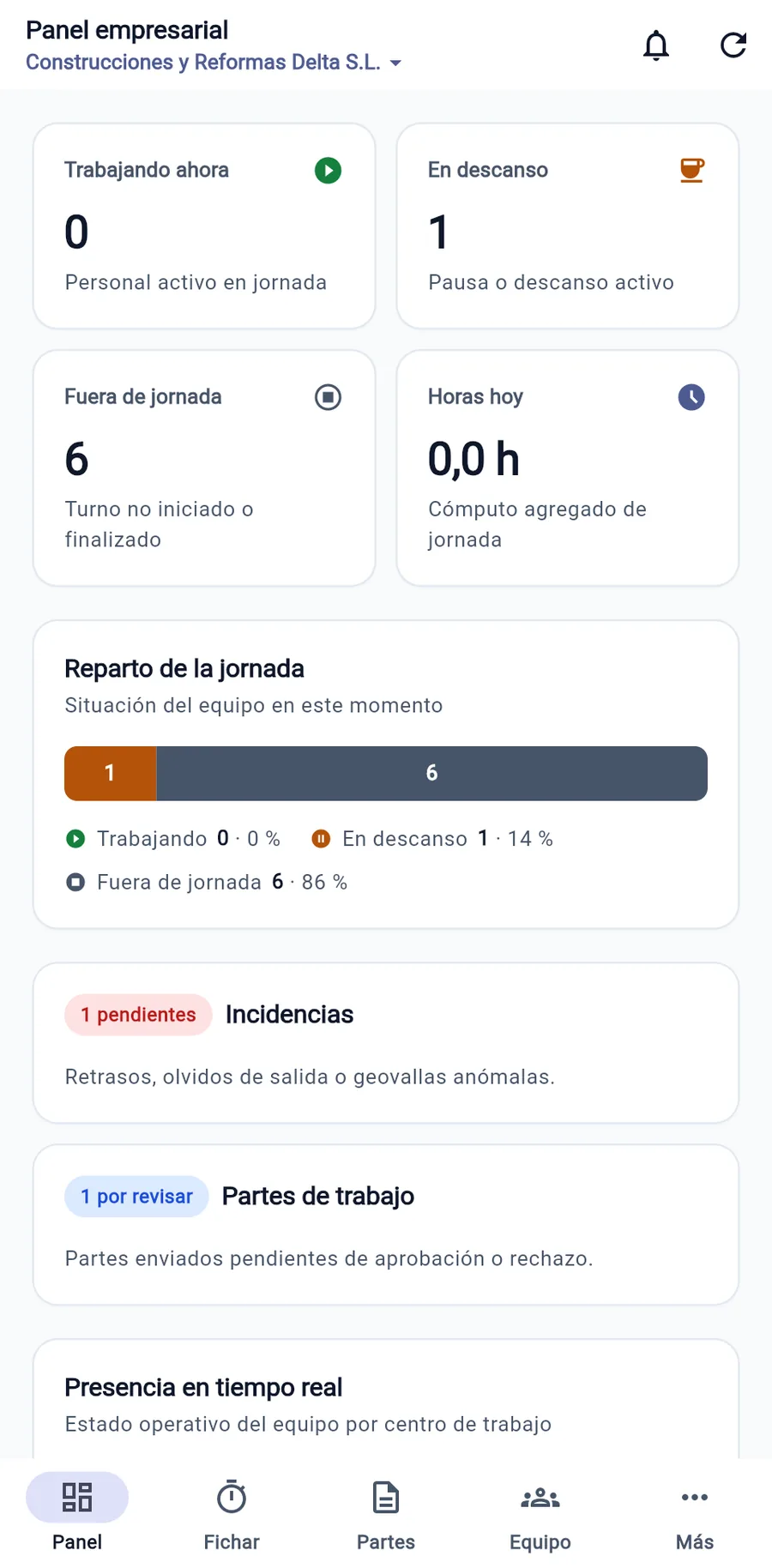
Each worker clocks in, records rest breaks and clocks out from their own mobile phone or browser. A point-in-time geofence check verifies whether they are at their assigned workplace, without violating privacy through continuous tracking.
- 100% Offline Mode: Clock-in records are saved locally and upload when connectivity returns.
- Multiple Sites & Shifts: Continuous, split, rotating, and night shifts.
- Zero Biometric Data: No sensitive data about your workforce to safeguard.
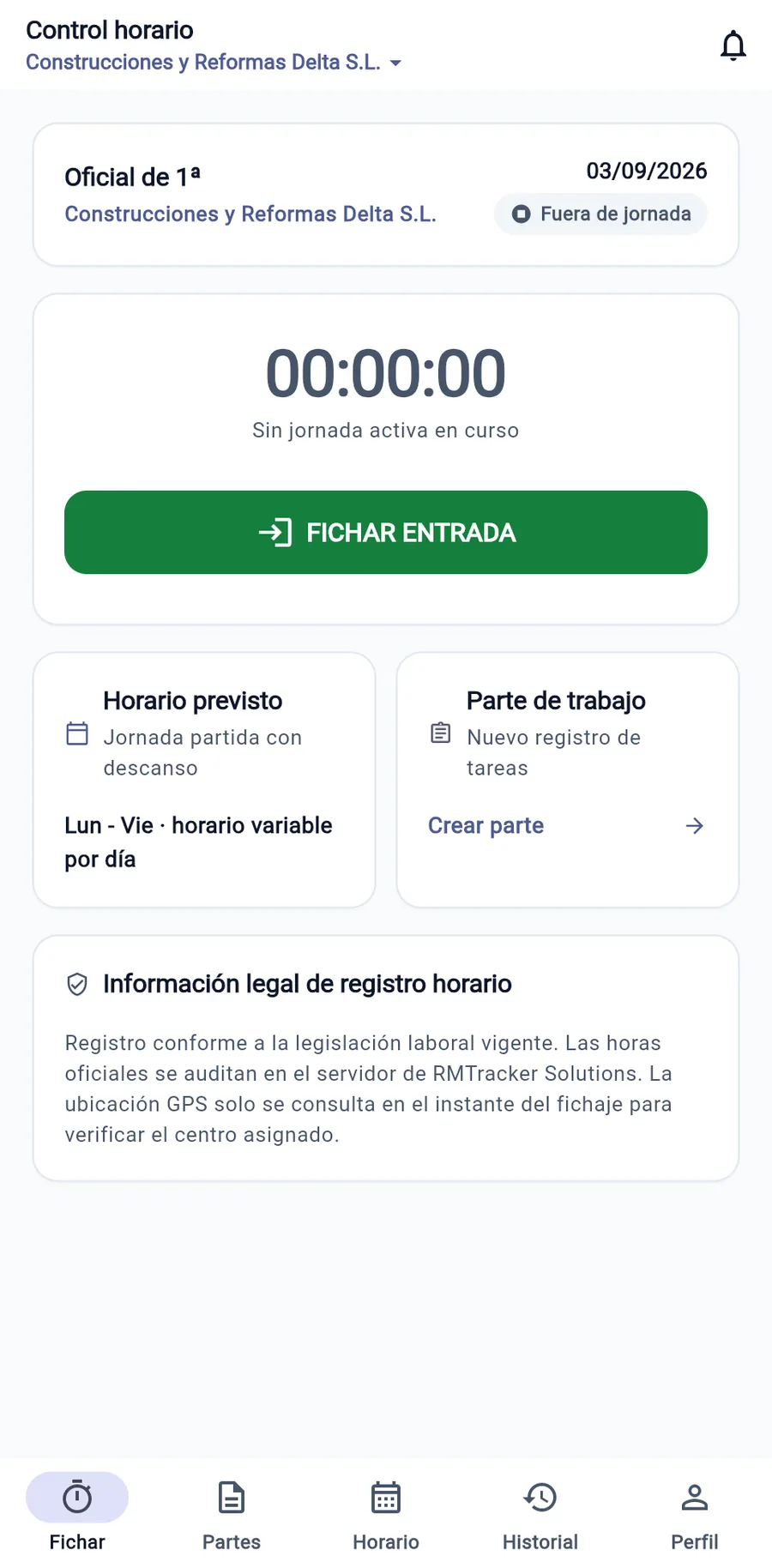
Priced work reports with client signature
Turn paper delivery notes into complete digital work reports. Technicians record tasks, materials with quantities and prices, expenses incurred, mileage and job photos.
- On-screen Signature: The client signs with their finger and enters their name and identity document number.
- Photo Attachments: Dated before-and-after photos of the intervention.
- Immediate Invoicing: Completed reports are ready for instant invoicing.
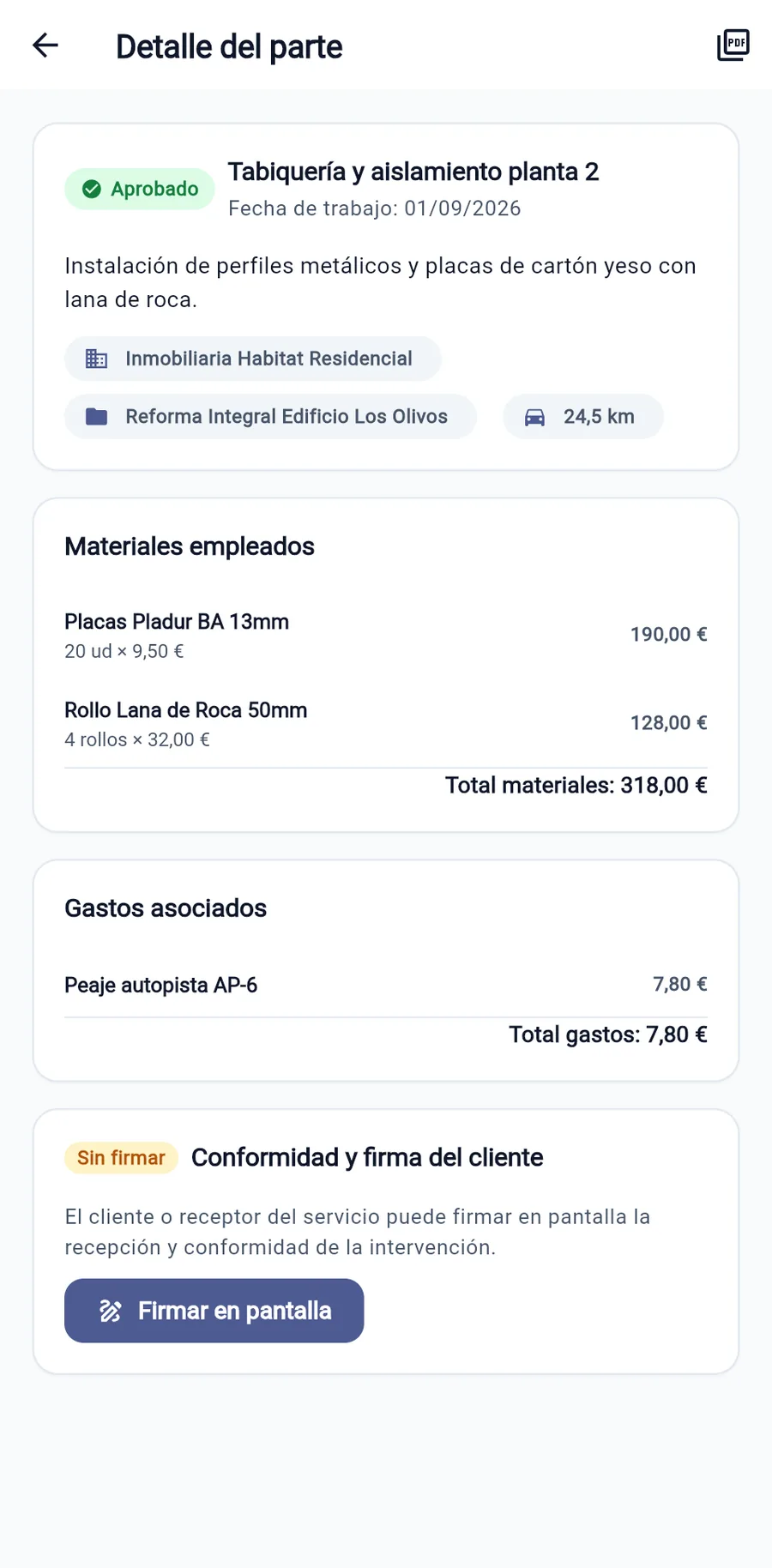
Live supervision & security roles
The web dashboard lets managers, team leaders and administrative staff see at a glance who is working, manage shifts and authorize corrections with full transparency.
5 access roles
Owner, Admin, Supervisor, Employee, and Auditor.
Time banks
Track budgeted hours allocated per client and project.
Audited incidents
Corrections require justifications and leave an approval trail.
Official exports
Official monthly PDF under RD 8/2019 and CSV export.
Questions about features
Does this work as a working-time record for the ACT?
Yes, that is what it is designed for. Article 202 of the Código do Trabalho requires a record of working time showing start and end times and breaks, accessible at the workplace and kept for five years. WorkLogTracker records each person's working hours, the record cannot be modified or deleted afterwards, and it can be downloaded as a monthly record. What no software can do for you is clock in: each worker has to do that.
Do you track where my team is at all times?
Absolutely not. There is no continuous tracking, background monitoring, or permanent tracking map. Geolocation is checked only at the split second when the employee taps to clock in or out, with the sole purpose of verifying whether they are within the radius of the assigned workplace. If location permission is not granted, the clock-in is still recorded, and this is noted.
What happens if an employee forgets to clock out?
The system prevents altering original timestamps retroactively. Instead, an incident is created: the employee submits a correction with a justified explanation, and a supervisor approves or denies it. This indelibly documents the logged time, requested adjustment, and authorizer: a history you can show during an inspection.
Does it work in basements, warehouses, or dead zones with no mobile reception?
Yes. WorkLogTracker stores clock-ins and work reports securely and encrypted on the device itself. As soon as the phone reconnects (Wi-Fi or mobile data), all records sync automatically with the server without ever being duplicated, even if the upload attempt is repeated.
Try WorkLogTracker in your business
14-day free trial with no credit card required. Set up your team in under 10 minutes.
Request Demonstration